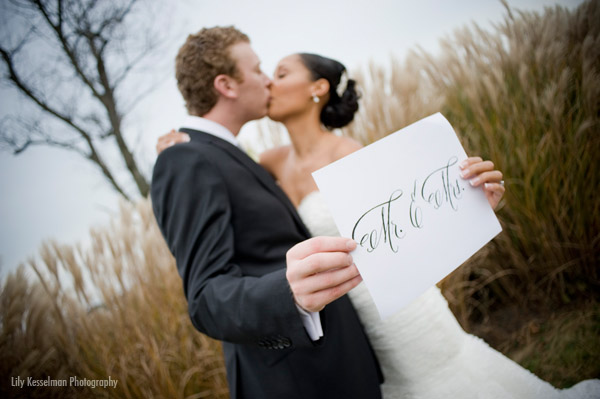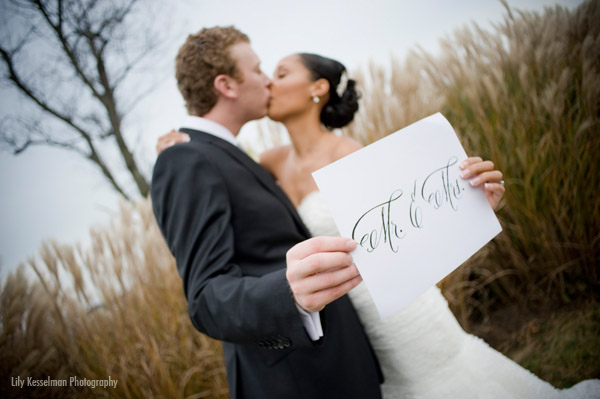
Calligraphy Wedding Sign Set

Print Size: Letter, 11″ x 8.5″
Instructions:
Select your sign, then click “Create Print”. A new window will open with your print. To save the file to your computer, follow the directions below for your browser:
Firefox – Click “File” at the top menu, then click “Save Page As”, and save.
Internet Explorer – Right click on the image, and click “Save Picture As”. Some have difficulty using Internet Explorer with our downloads. If this happens, please try Google Chrome.
Safari and Chrome – Right click on the image, and click “Save Image As”
Firefox – Click “File” at the top menu, then click “Save Page As”, and save.
Internet Explorer – Right click on the image, and click “Save Picture As”. Some have difficulty using Internet Explorer with our downloads. If this happens, please try Google Chrome.
Safari and Chrome – Right click on the image, and click “Save Image As”